PrivateMail2.7.2240
Publisher Description
Secure Mail Client for PrivateMail
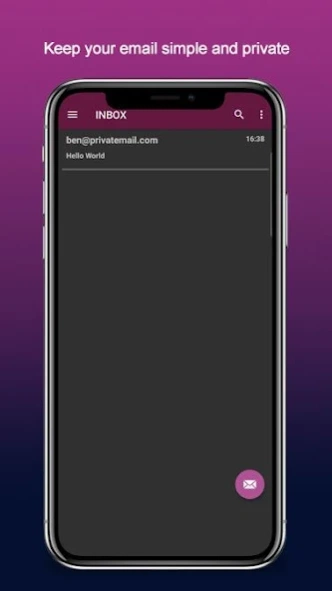
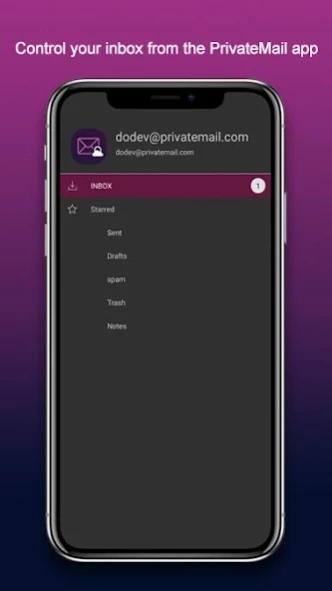
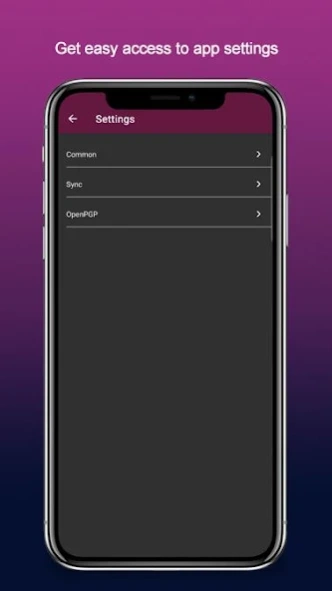
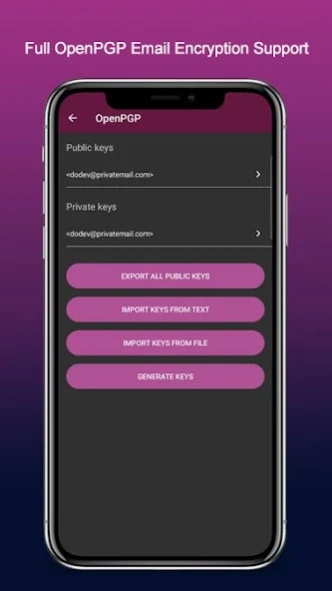
PrivateMail allows secure mobile access to mailbox stored on PrivateMail servers. This app enables you to perform all essential mail operations like viewing, composing and sending emails including PGP encrypted emails.
About PrivateMail
The company that develops PrivateMail is Private Mail LLC. The latest version released by its developer is 2.7.2240.
To install PrivateMail on your Android device, just click the green Continue To App button above to start the installation process. The app is listed on our website since 2022-01-10 and was downloaded 1 times. We have already checked if the download link is safe, however for your own protection we recommend that you scan the downloaded app with your antivirus. Your antivirus may detect the PrivateMail as malware as malware if the download link to com.PrivateRouter.PrivateMailApplication is broken.
How to install PrivateMail on your Android device:
- Click on the Continue To App button on our website. This will redirect you to Google Play.
- Once the PrivateMail is shown in the Google Play listing of your Android device, you can start its download and installation. Tap on the Install button located below the search bar and to the right of the app icon.
- A pop-up window with the permissions required by PrivateMail will be shown. Click on Accept to continue the process.
- PrivateMail will be downloaded onto your device, displaying a progress. Once the download completes, the installation will start and you'll get a notification after the installation is finished.
Program Details
System requirements
Download information
Pricing
Version History
version 2.7.2240
posted on 2022-01-10
Misc. improvements and bugfixes.
version 2.6.0209
posted on 2021-03-10
This version brings the support of Yubikeys. The apps like Google Authenticator can be used as well. Additionally, we improved the other aspects of authentication. Now you have the control over which devices are connected to your account and can revoke access in one click. In case you lost access to the second factor you can use backup codes. Don't forget to add them after setting up the second factor.
Many other misc. improvements were done as well.
version 2.5.0157
posted on 2020-12-04
The new version brings improvements we believe you will really like.
The first one is related to the PGP encryption of the mail. From now you don't have to import the PGP keys of your contacts on each new device. Just store them in contacts in the cloud.
The mail compose screen was improved as well. The screen got the automatic PGP encryption feature. The encryption mode can be set up for each recipient individually.
version 2.4.0120
posted on 2020-09-23
In this release, we fixed the minor issues related to the text input on the mail compose screen.
version 2.3.0112
posted on 2020-05-01
This release includes PGP related enhancement and several minor bugfixes.
version 2.1.098
posted on 2020-04-23
Introducing the new version of the PrivateMail app. It was rewritten from scratch. The app became more user friendly and pretty.
The functionality was expanded as well:
- we added an advanced mail search
- self-destructing secure emails are available from the mobile app now
- the new version brings the ability to move messages between folders
- for advanced guys, we add the ability to see the message headers
This is only the top of new features. We believe you will like it.
